



ConferringNotebook: Transferring Students to Next Year's Teacher
This article has moved to the Teach Daily Resource Library!
Log In Now
This feature is a powerful communication tool enabling instruction to begin on the first day a teacher works with a student. Each teacher can pick up where last year's teacher left off by opening the electronic pensieve and viewing the last conferring session recorded by the last teacher. Instruction is seamless, from year to year.
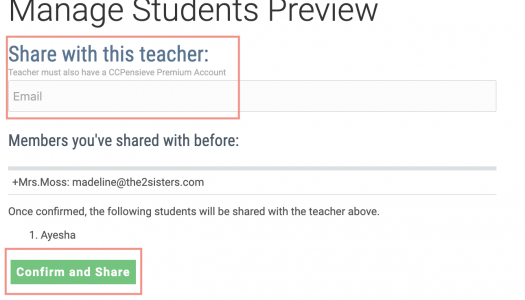
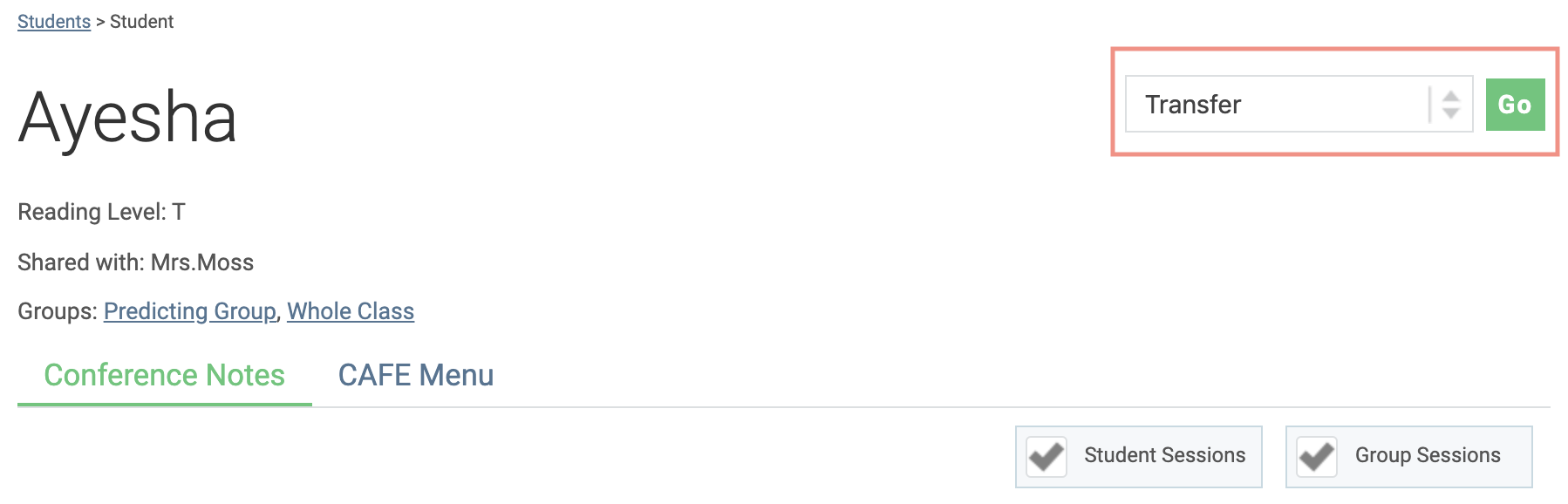
A new school year is coming to a close, and thoughts move forward to the next. Do you have students moving on to another teacher who is also a ConferringNotebook Premium member? Transfer a student to their class, so they can see all the past conferring sessions saved for that student.
Learn how to do this: Tutorial Walkthrough: Transfer Student
Note: The student's information is moved to the receiving teacher's classroom who now has the rights to add, edit, and delete all of the student data. To undo a transfer, the new teacher must share the student with the original teacher and then the new teacher must choose to transfer the student back to the original teacher using the above-described process.
*Premium Membership Required